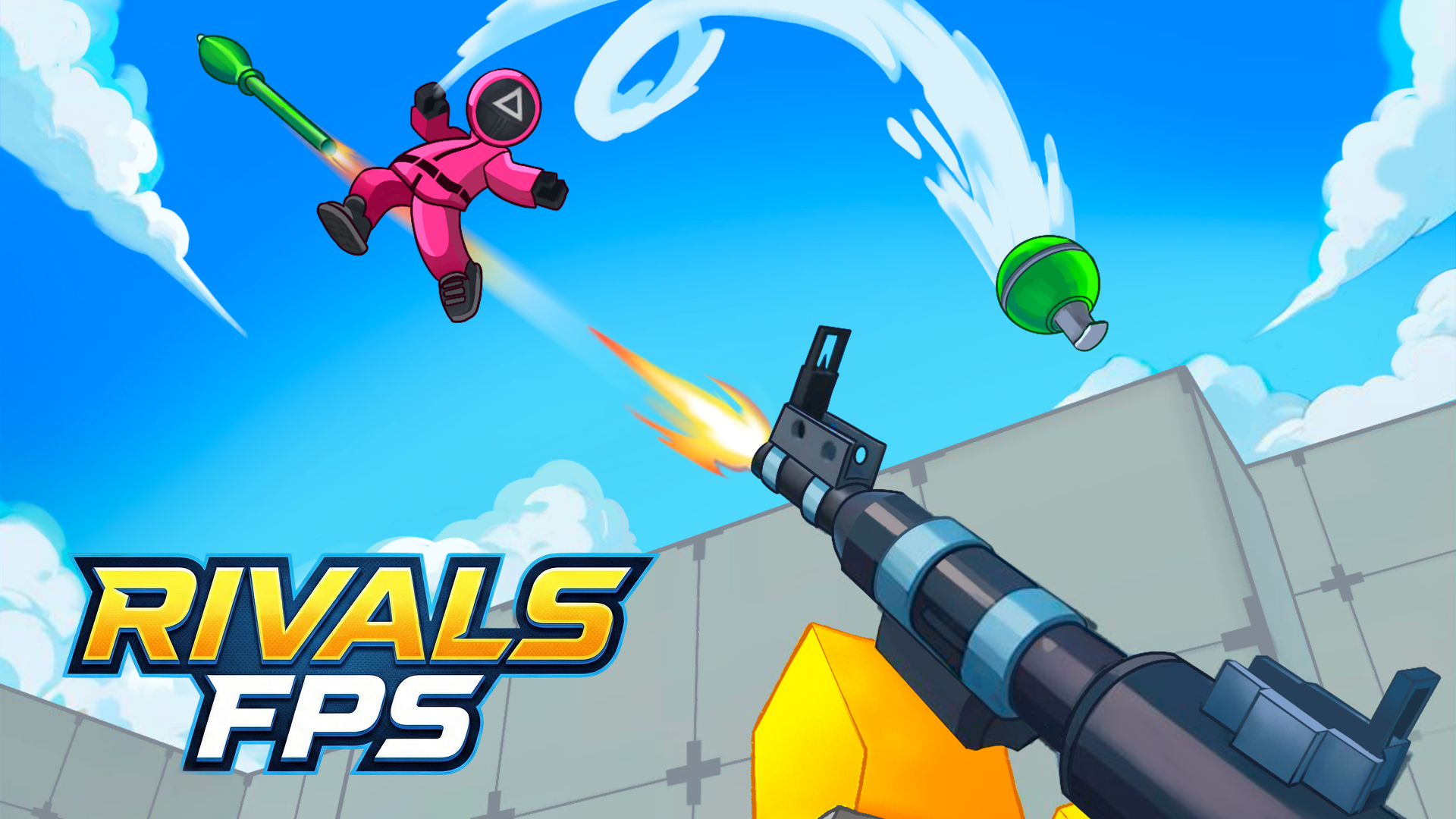
About RIVALS FPS: Online Shooter
RIVALS FPS is a multiplayer arena shooter built for quick battles with friends. Create a map or join a match, choose your weapons and fight in team or free-for-all modes. Standard shooter controls make it easy to jump in, while varied guns and maps keep each round different.
Game info
- Category
- Shooter
- Works on
- PC, Android and iPhone and iPad
- Screen
- Landscape
- Players
- Single and multiplayer
- Price
- Free, optional in-game purchases
- Download
- None, plays in your browser
How to play RIVALS FPS: Online Shooter
Create a map or join a match. On PC, move with WASD, aim with the mouse, jump with Space, crouch with C and interact with E. On mobile, use the left joystick to move, swipe on the right to aim and tap the buttons to jump and reload.
RIVALS FPS: Online Shooter FAQ
Is RIVALS FPS: Online Shooter free to play?
Yes. RIVALS FPS: Online Shooter is free to play online on 20-0 with no download and no sign-up. The game offers optional in-game purchases.
Can I play RIVALS FPS: Online Shooter on my phone?
Yes. RIVALS FPS: Online Shooter works on PC, Android and iPhone and iPad, right in the browser. Turn your phone sideways for the best view.
What kind of game is RIVALS FPS: Online Shooter?
RIVALS FPS: Online Shooter is a shooter game (multiplayer, first person shooter, shooting, action) that you can play with other people.
How do you play RIVALS FPS: Online Shooter?
Create a map or join a match. On PC, move with WASD, aim with the mouse, jump with Space, crouch with C and interact with E. On mobile, use the left joystick to move, swipe on the right to aim and tap the buttons to jump and reload.
More shooter games
View all More shooter games Hazmob FPS: Online Shooter Shooter
  Special Ops: GO Shooter
  Sorter: Ragdoll Playground Shooter Shooter
  Rise of the Dead Shooter
  Zombie Space Episode II Shooter
  Clown Fiesta Shooter
  Sniper Attack2 Shooter
  Football Free Kick Sports
  Piece of Cake: Merge & Bake Puzzle
  TB World Dress Up
  Hedgies Simulation
  Mahjong Classic Board & Cards